

Applying the Brand
Examples
Experience the Catholic University brand in action by viewing the examples on this page.
It is important to apply the brand properly to University communications by following the guidelines and resources provided on the various pages of this website. Consistency is of utmost importance in presenting the brand to a variety of audiences, and the following examples show the colors, fonts, voice and tone, photography, and other elements that are part of the important University brand.


Templates
A variety of University-branded templates have been created to simplify the process of communicating messages while adhering to established brand guidelines.
The following files can be utilized as a starting point. This section will be updated frequently, so please check back regularly.
Google Slides Template

Google Slides Presentation Template
Clicking the link will prompt you to make a copy of the original. Update the file or save it for PowerPoint if you prefer that application.
Canva Templates
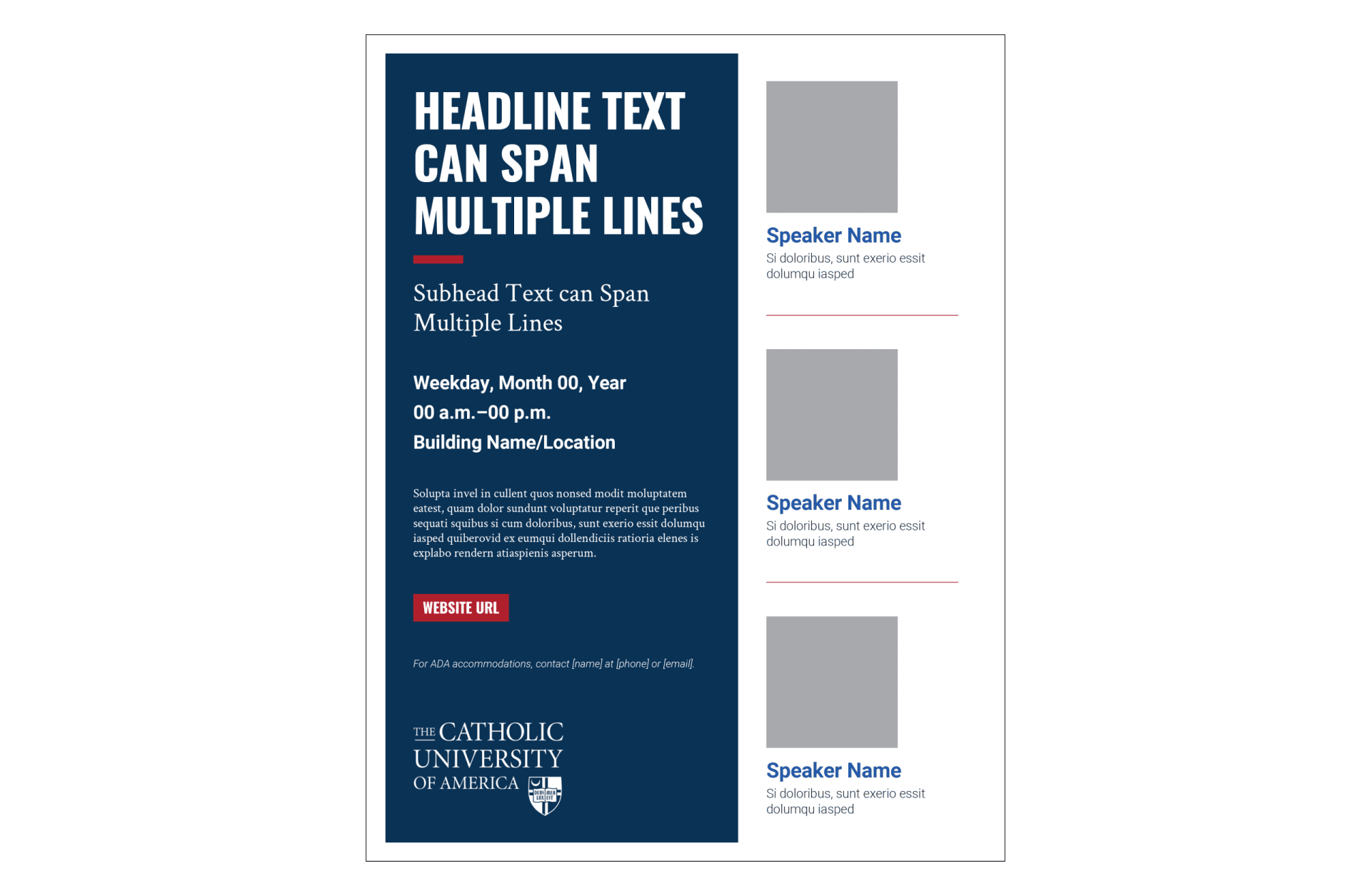
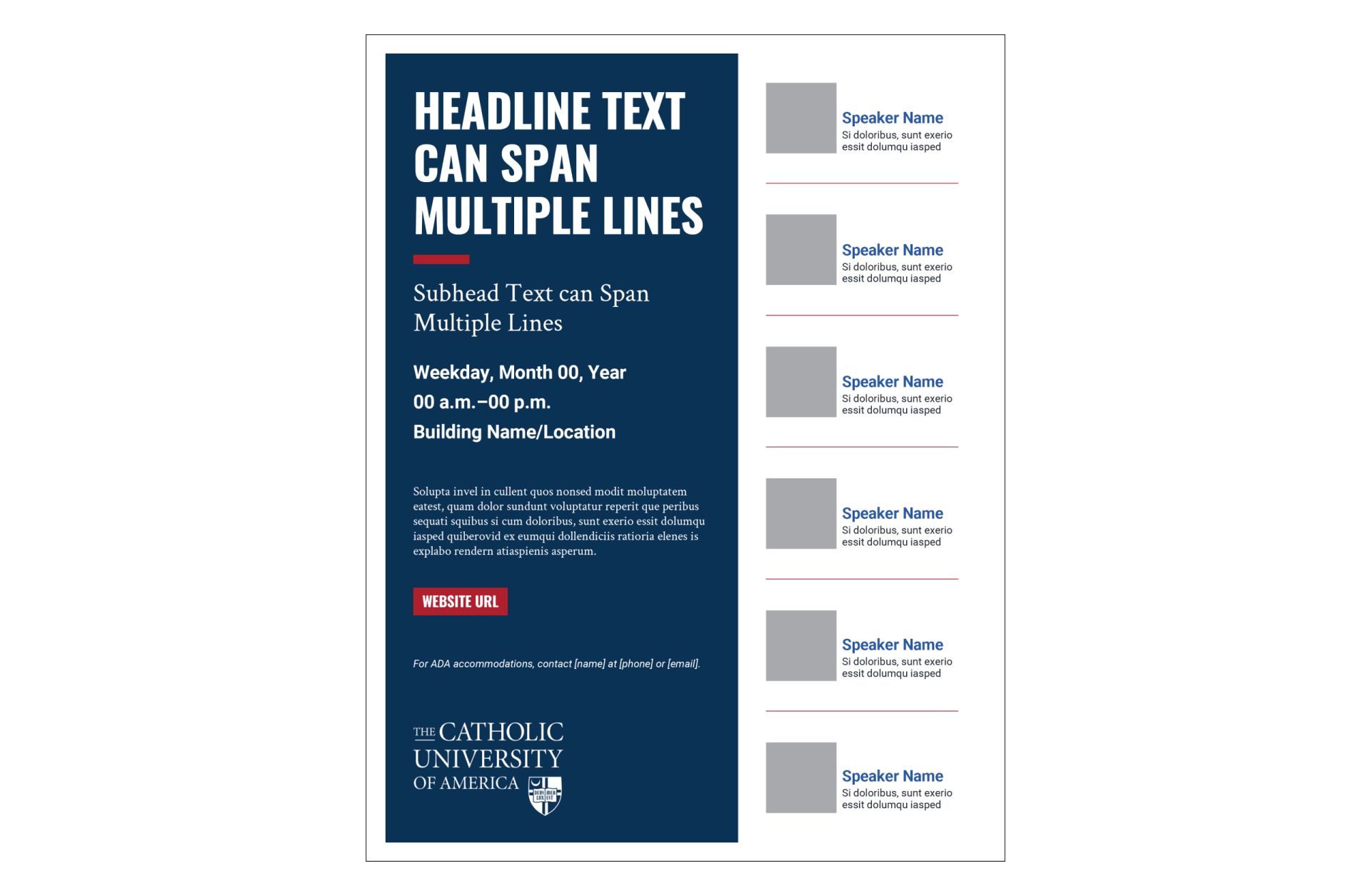
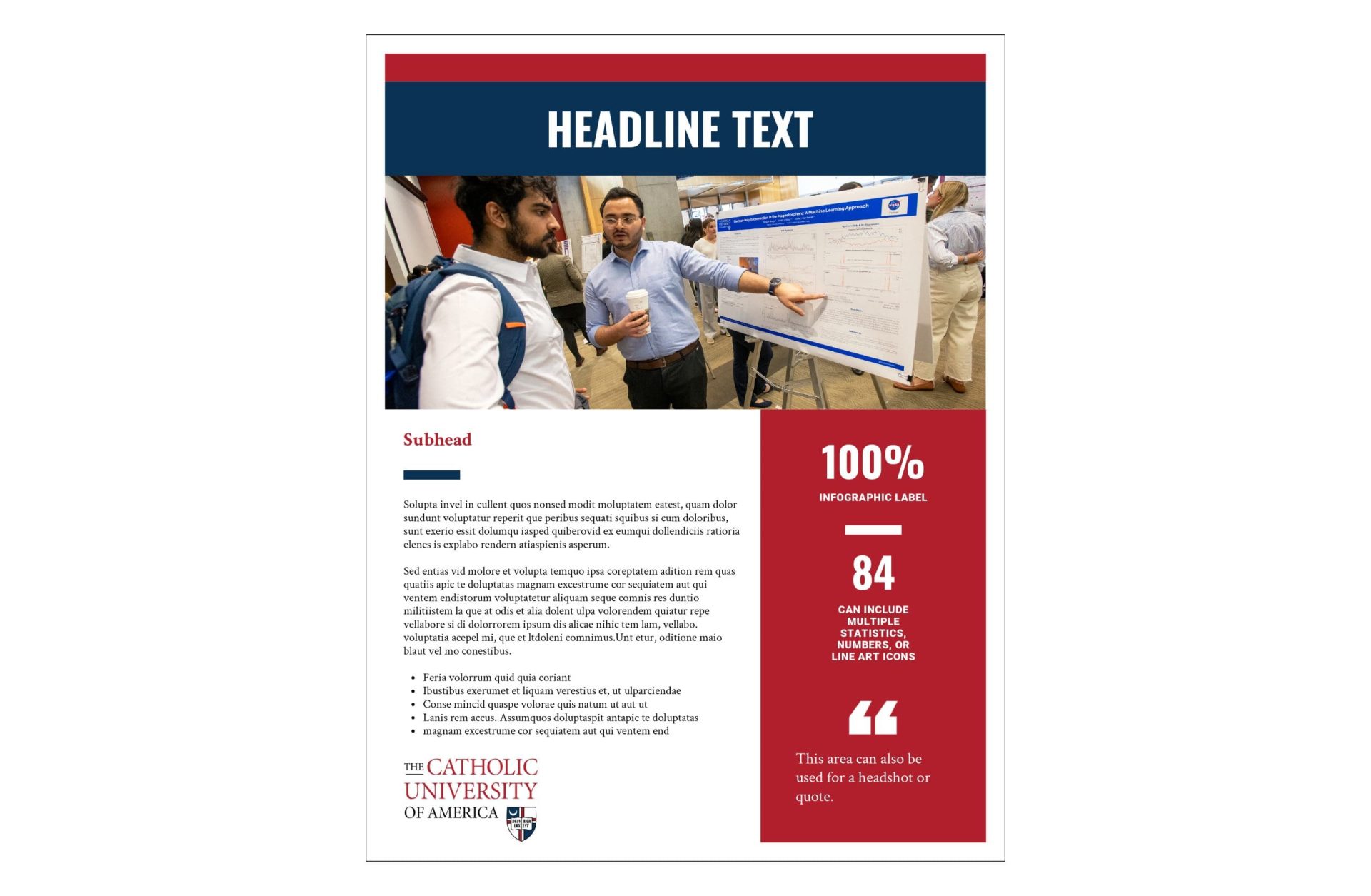
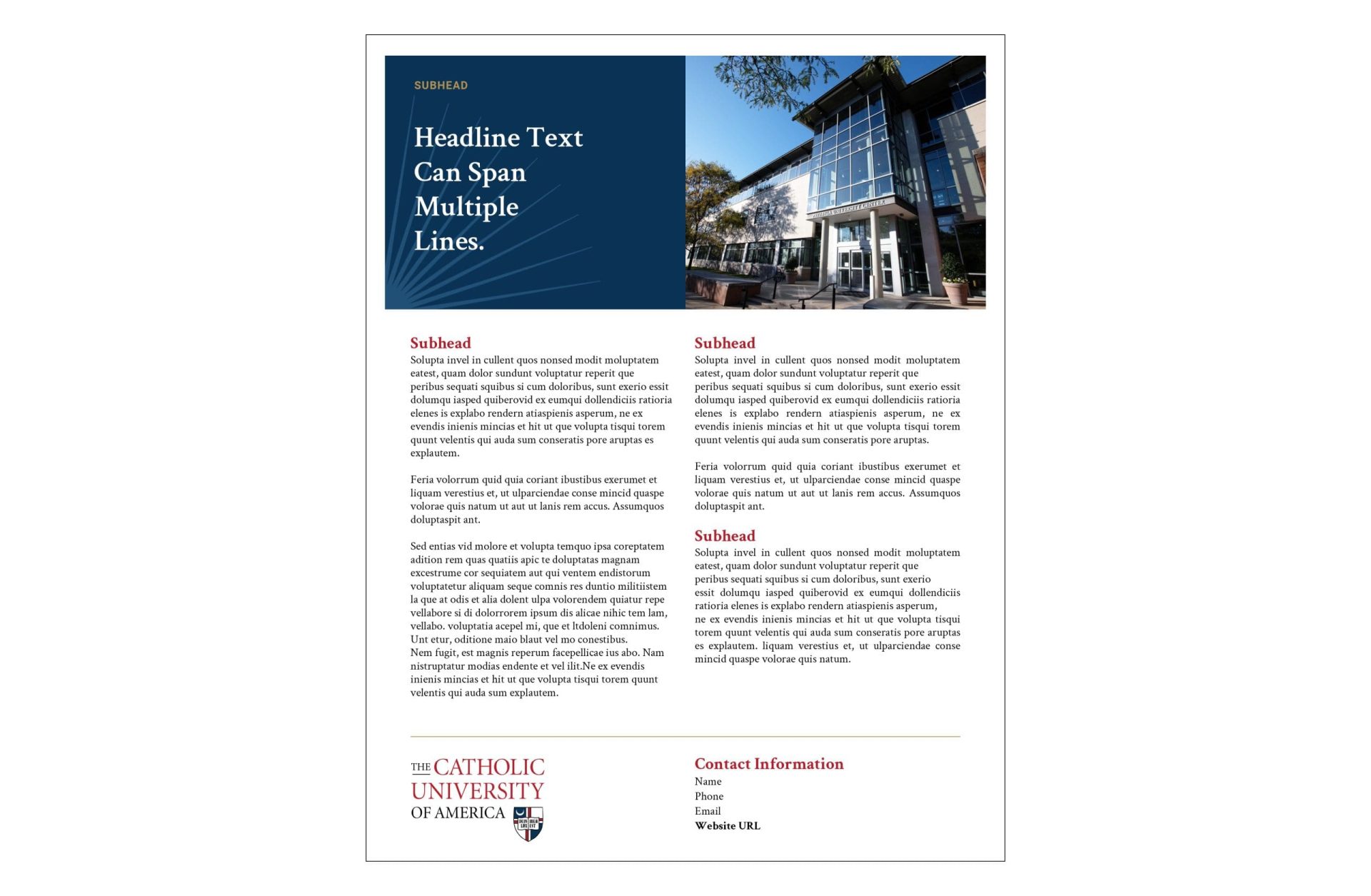
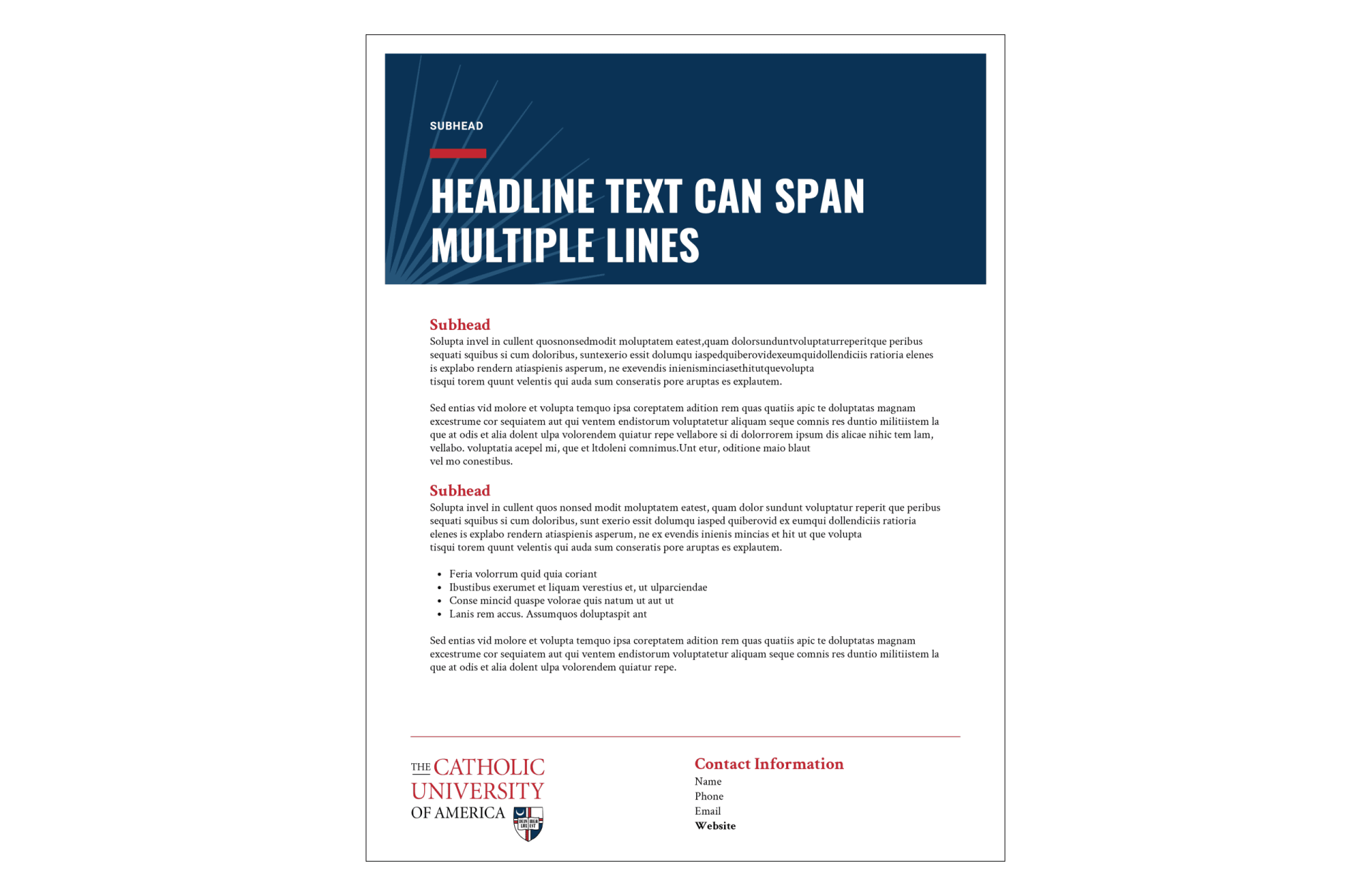
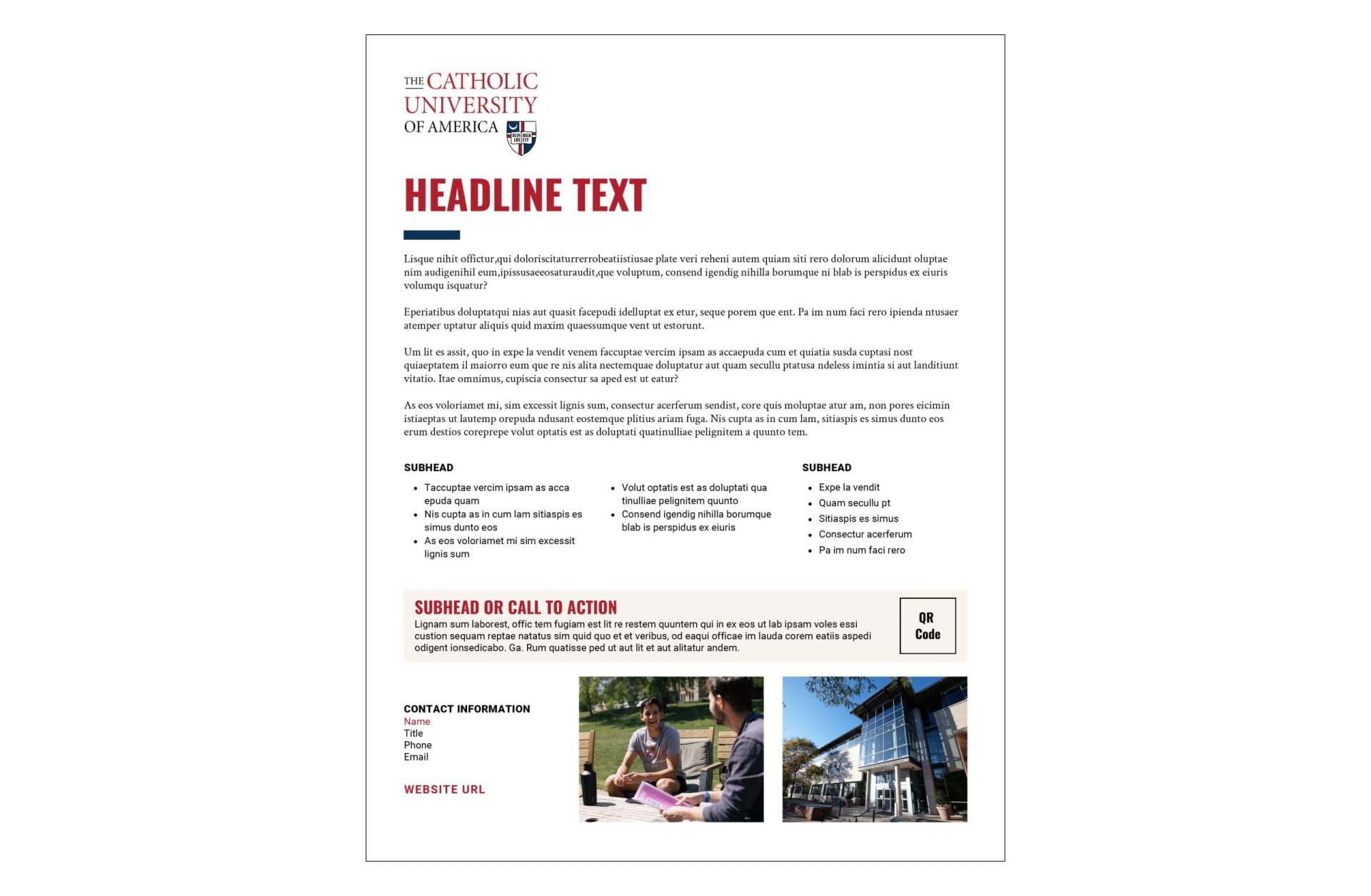
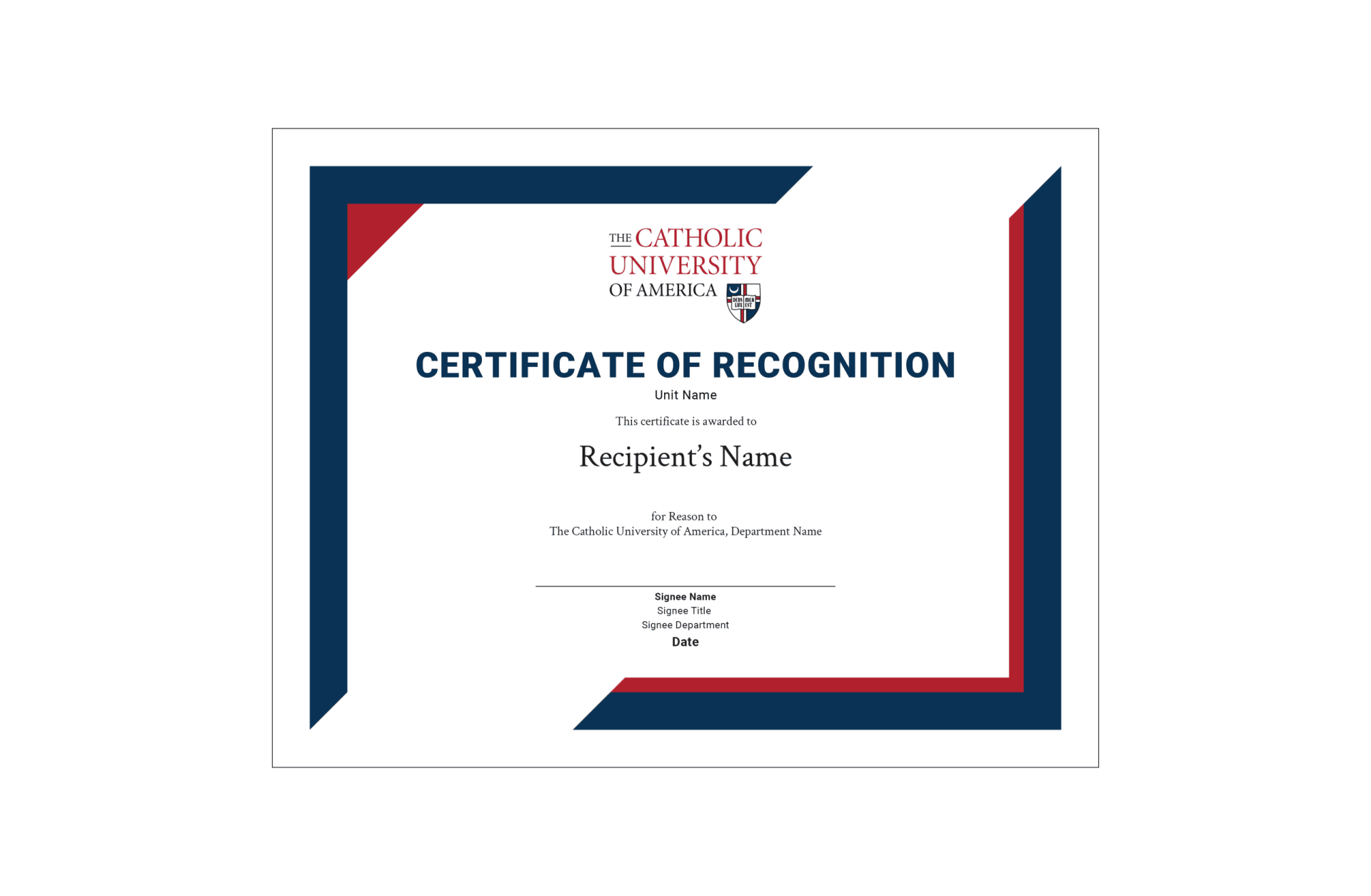
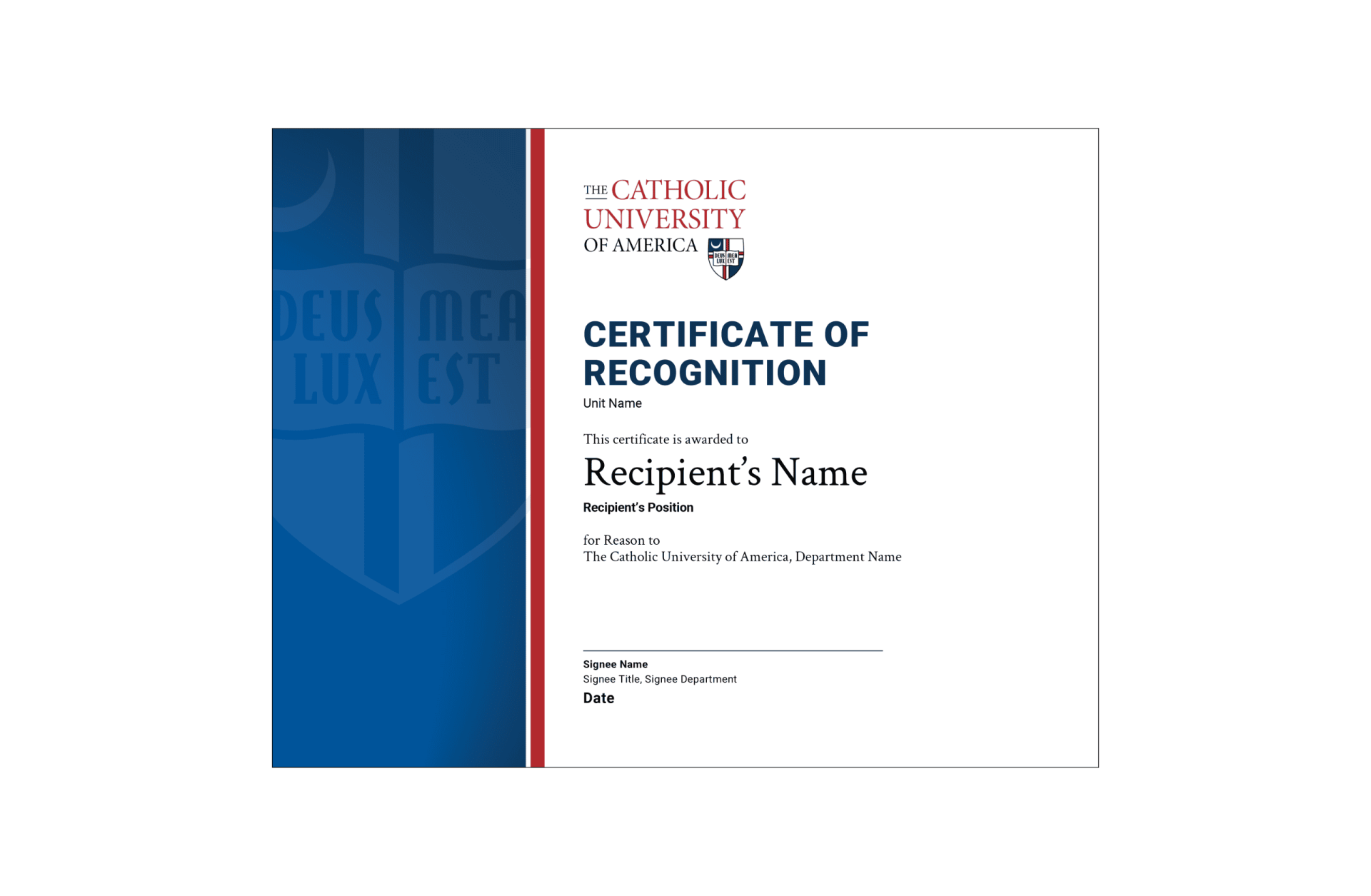
Use our Canva templates to create flyers and certificates that align with the University’s brand guidelines. Before getting started, be sure to review the template instructions for guidance on editing and customizing your designs.
To get started, click on the name of any template below to open it in Canva.





Email Signature
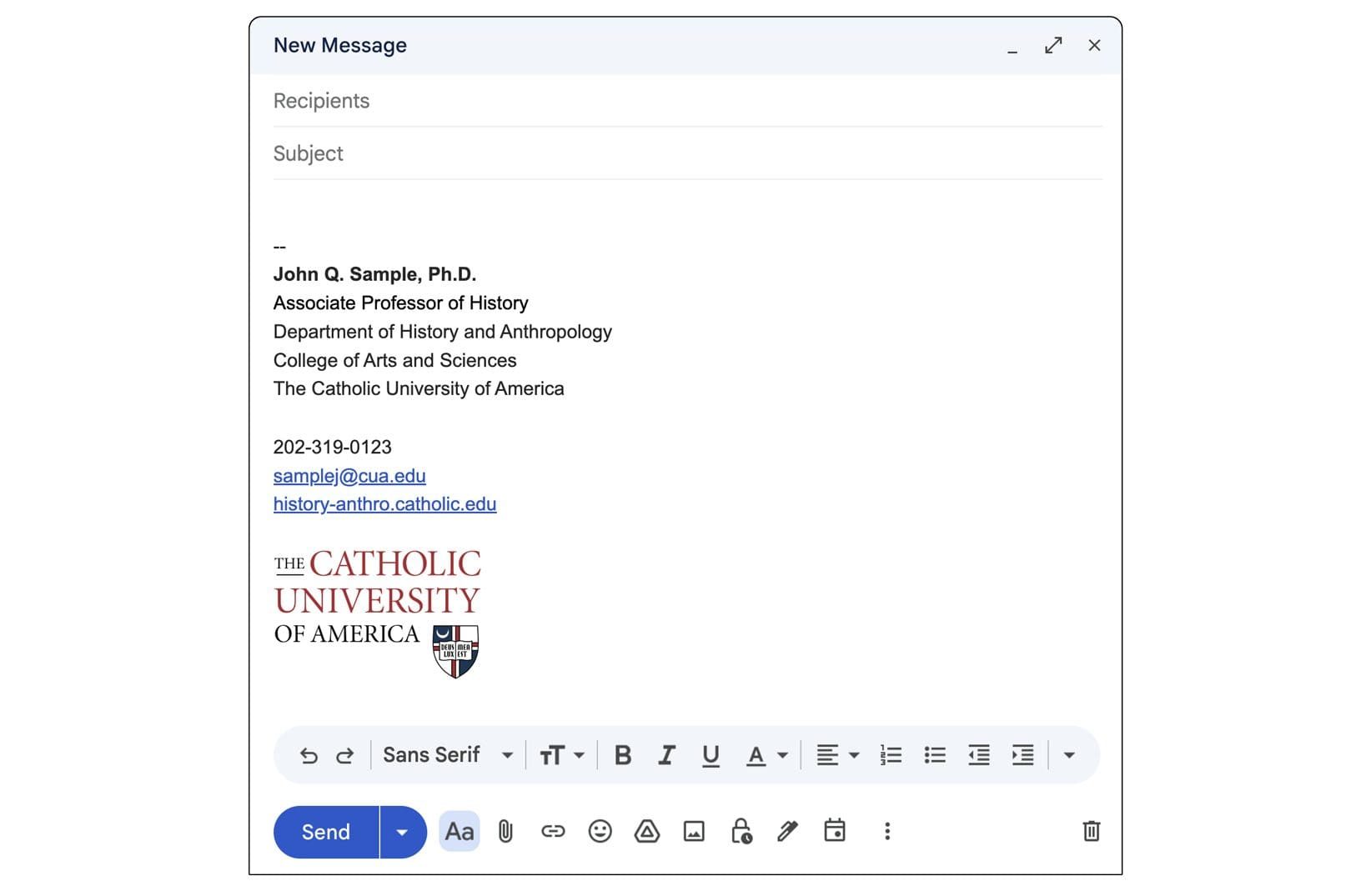
Use the “Sans Serif” font, set the font size to “Normal,” and set the text color to black, “RGB (0, 0, 0).” Use the approved University email signature logo. The logo is optimized to be inserted at the “Medium” size. Unit names should appear in text only; do not use unit logos in email signatures.
Your first and last name, along with any degrees, certifications, or other professional designations, should appear in bold. Include your title, unit, University name, phone number, University email address, and website in the same order and style as the example. If desired, you may also include your building and room number after the unit name. When including a building location, use the building’s official University name (e.g., “McMahon Hall, 300”).
Faculty and staff should include the phone number where they can be reached most efficiently during business hours, whether that is a desk phone, mobile phone, or another direct line. The University email address associated with their position should also be included, along with the website for their office, school, or department. Alternatively, you may use the main University website.
Occasionally, approved messaging for University-wide initiatives or events may be added to email signatures.
Download the approved email signature logo below.
For instructions on creating or updating your signature in Gmail, visit Gmail Help.

Requests?
Plan Ahead
Please plan ahead for your upcoming projects and needs—whether they appear to be complicated or not. Submit project requests and questions via the Communications Request Form below, allowing sufficient time for our Creative Services team to complete your requested project. Thank you.